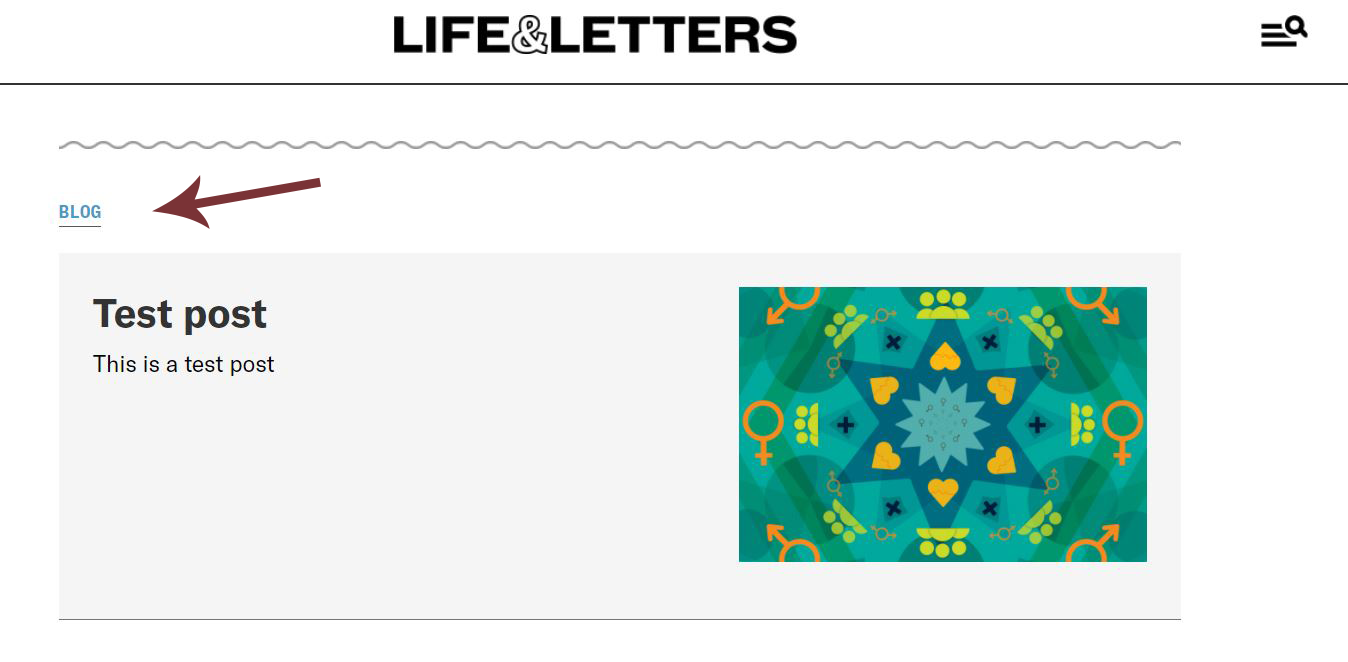
There are many different types of posts for Life & Letters. These instructions below shows how to add a new Blog Post, but the steps applied for other categories including Programs, News, Videos, and Research (Publication), with some small modifications.
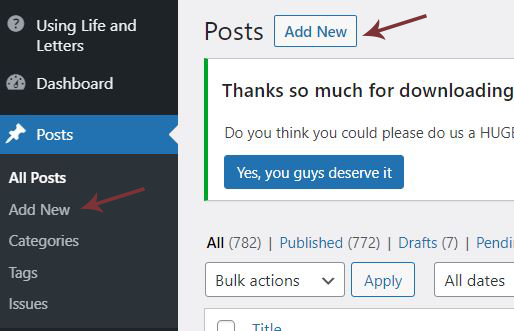
- On the left panel, click on “Post” → “Add New.“
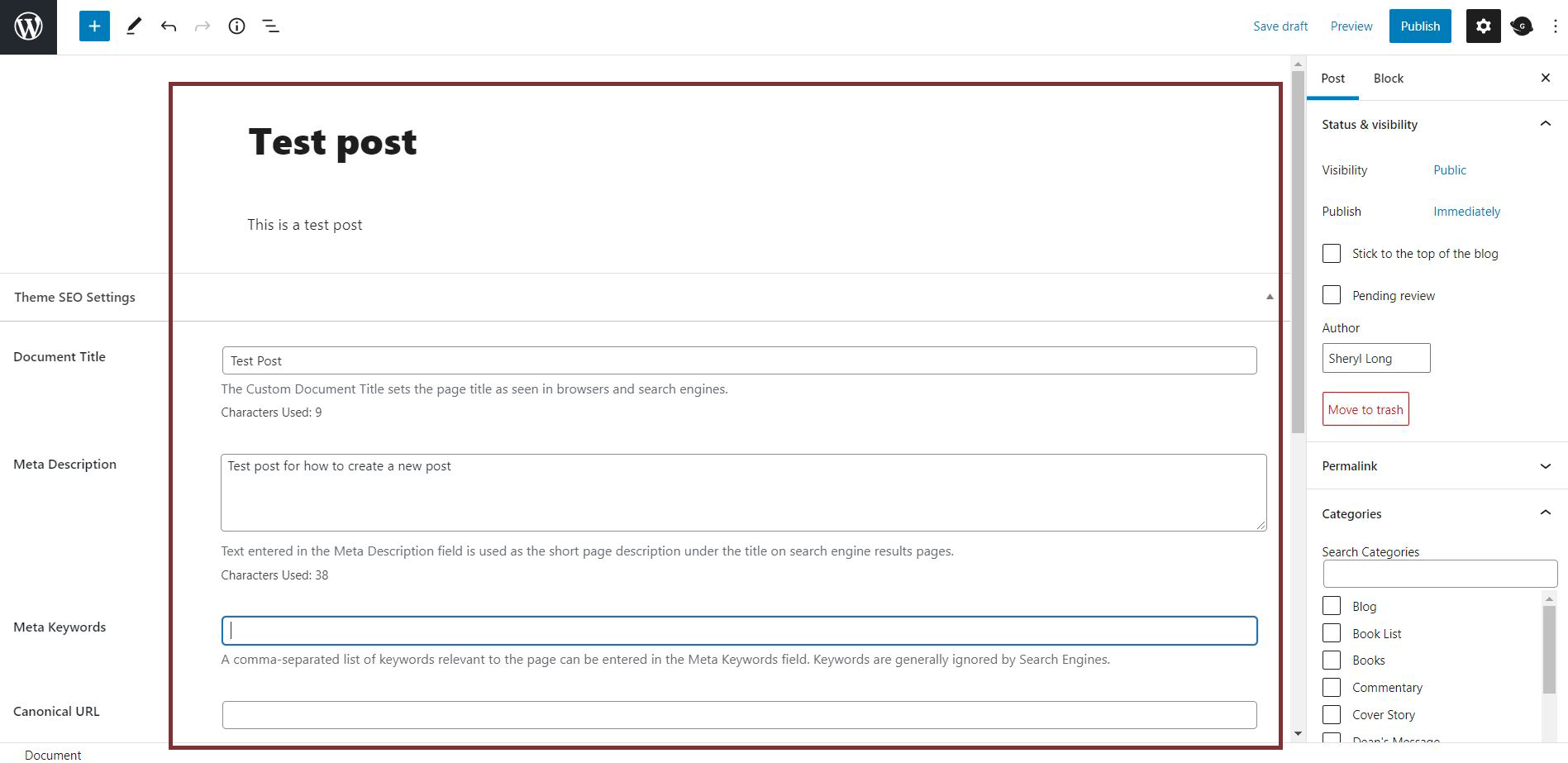
2. This will open the WordPress (WP) block editor, where you input content/information about the post, such as title, body paragraph, keywords, etc. Follow the instruction under each block to fill in the correct information.
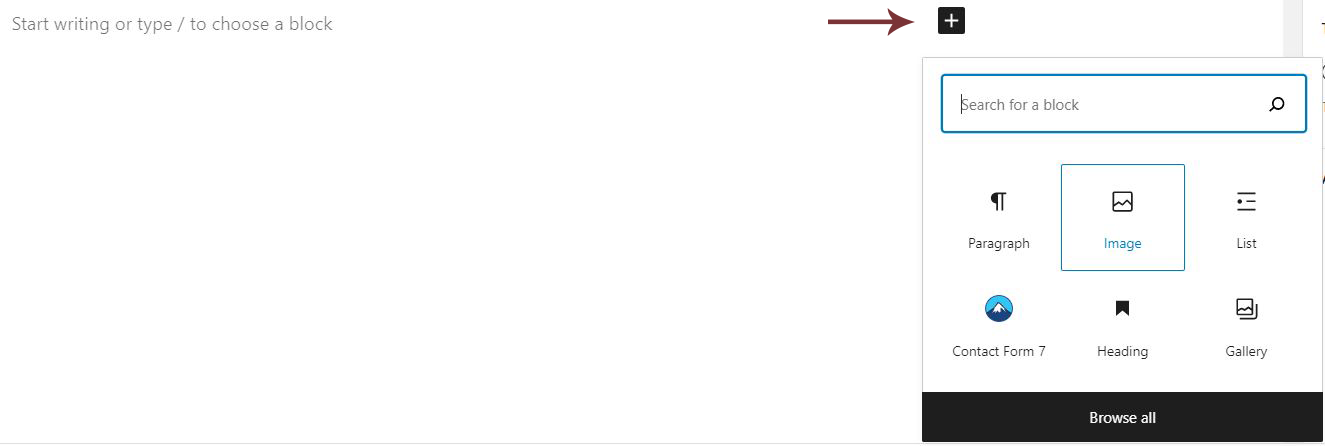
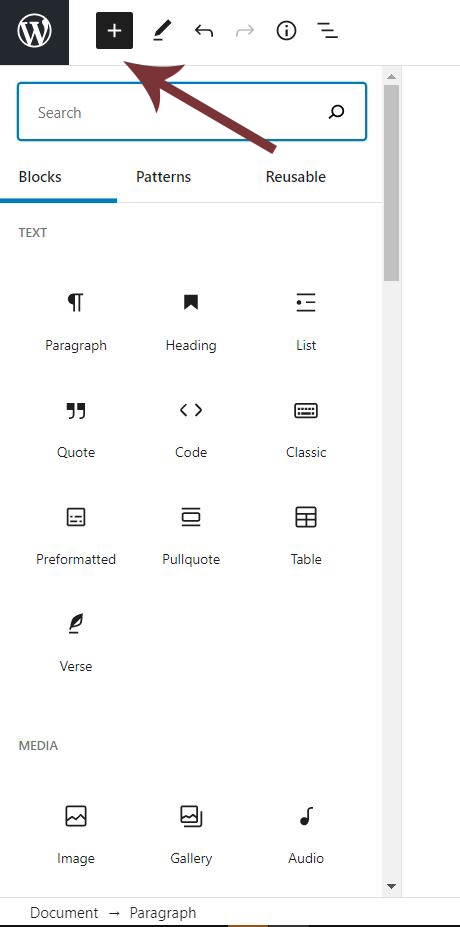
3. To add image or other elements such as pull quote, list, etc., click on the plus sign at the end of the block or the plus sign at the top left corner of the page to bring up the blocks menu. Select the block element you would like to add.
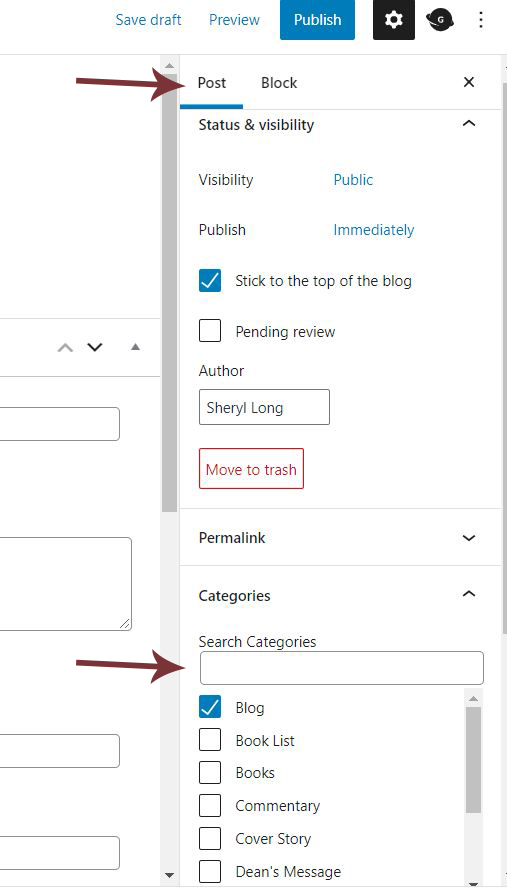
4. After you are done editing your post, go to the post panel on the right and go down to “Categories” to select the page your post will be published on. Select the proper category for your post.
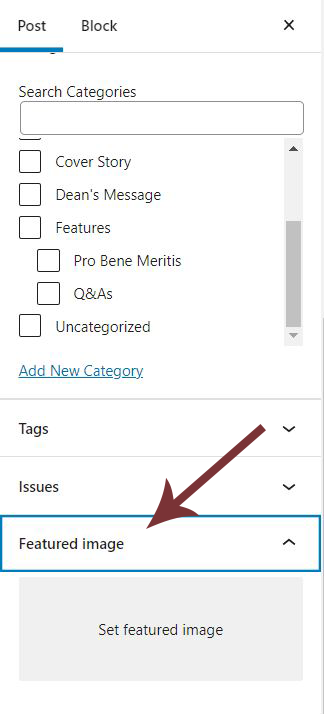
5. Scroll down to “Featured image” to add a cover image for your post.
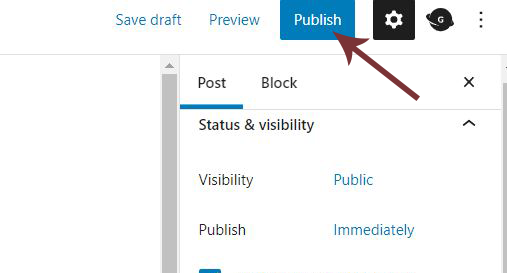
6. After you are done editing your post, click on “Publish” at the top right corner of the page to publish your post to the site!
7. Check on the site to make sure your post is showing up in the proper category. (The test post was marked as “Blog” in “Categories” so it’s showing up under the blog section of the site.)