The menu for Life & Letters is located at the top right corner of the page.
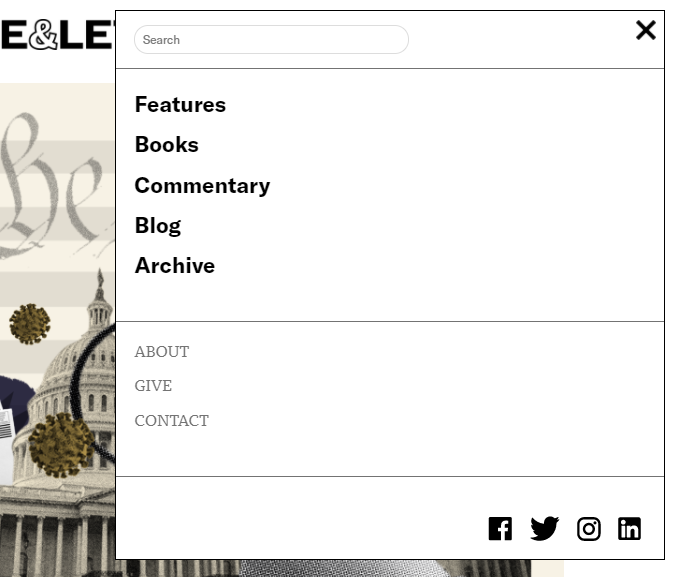
There are two ways to edit this menu:
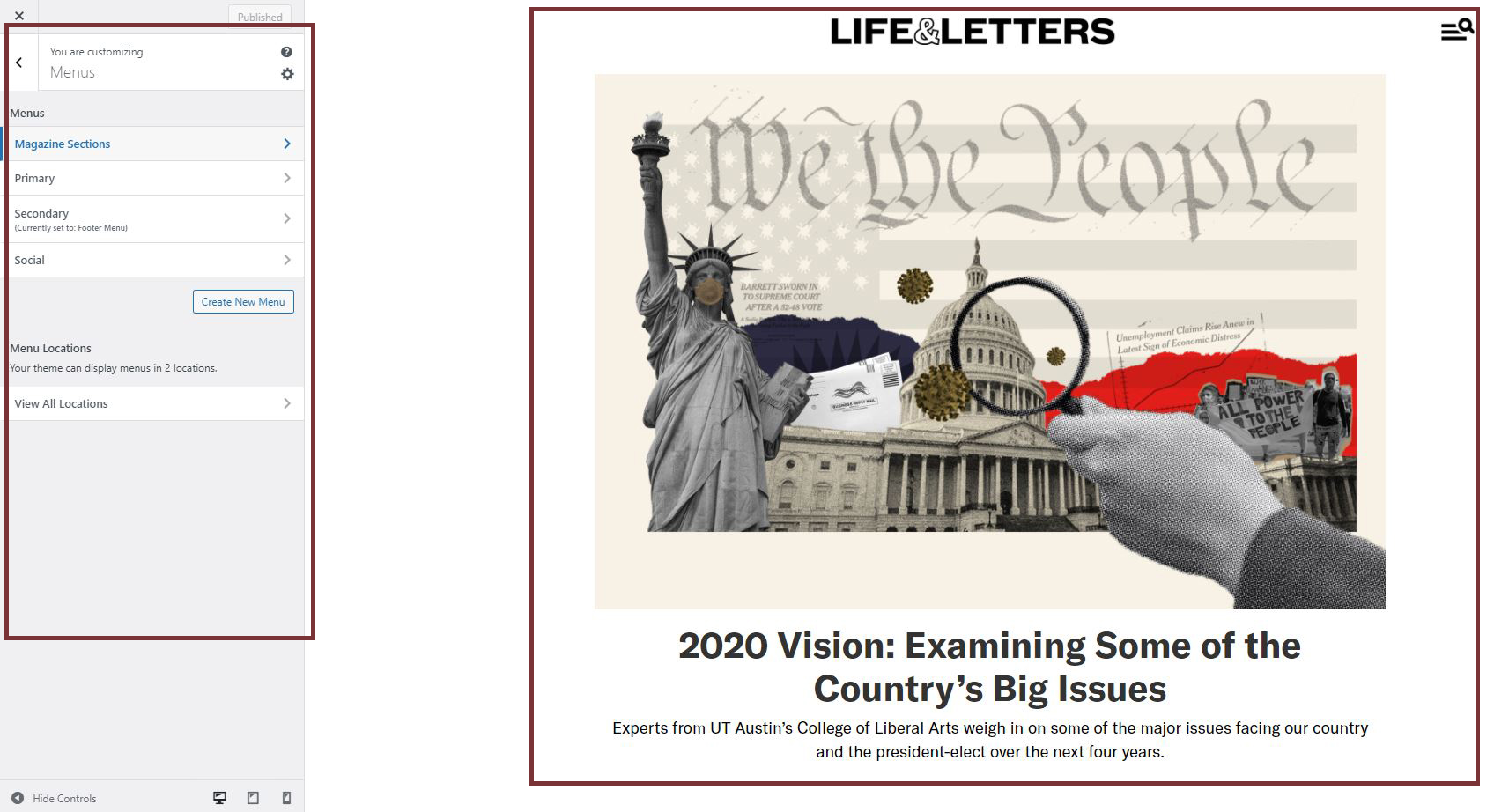
- “Appearance” -> “Customize,” this option allows you to visualize the changes you make without having to open a different tab:
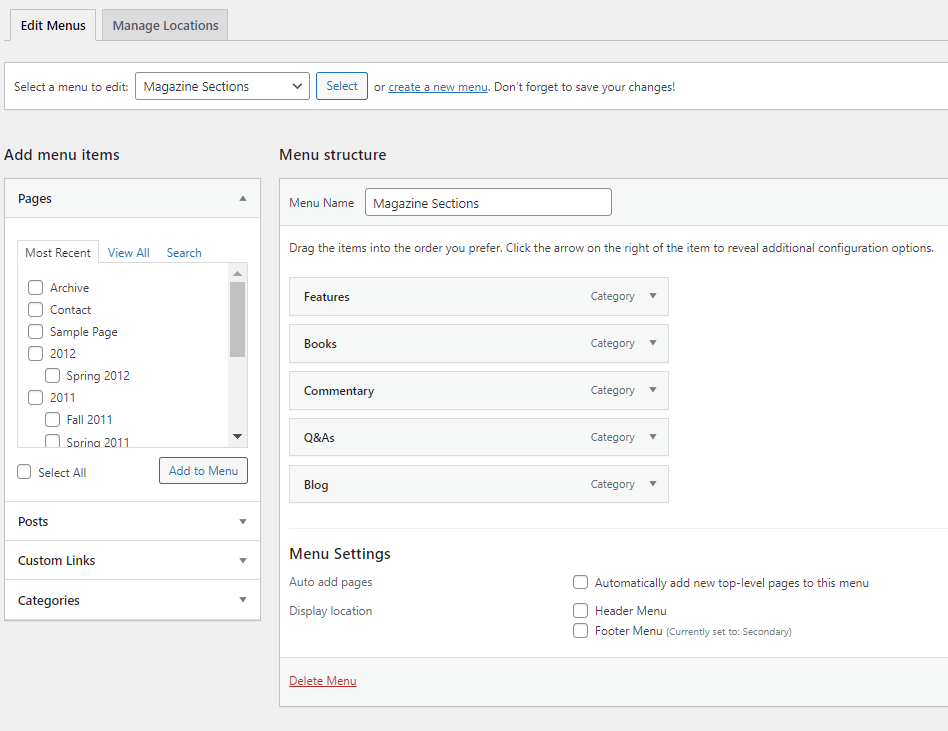
- “Appearance” -> “Menus,” this option presents menu items in a list format, which allows you to view all labels and pages in one place:
Click here to read more about how to edit the menu in Customize
Click here to read more about how to edit the menu in Menus